
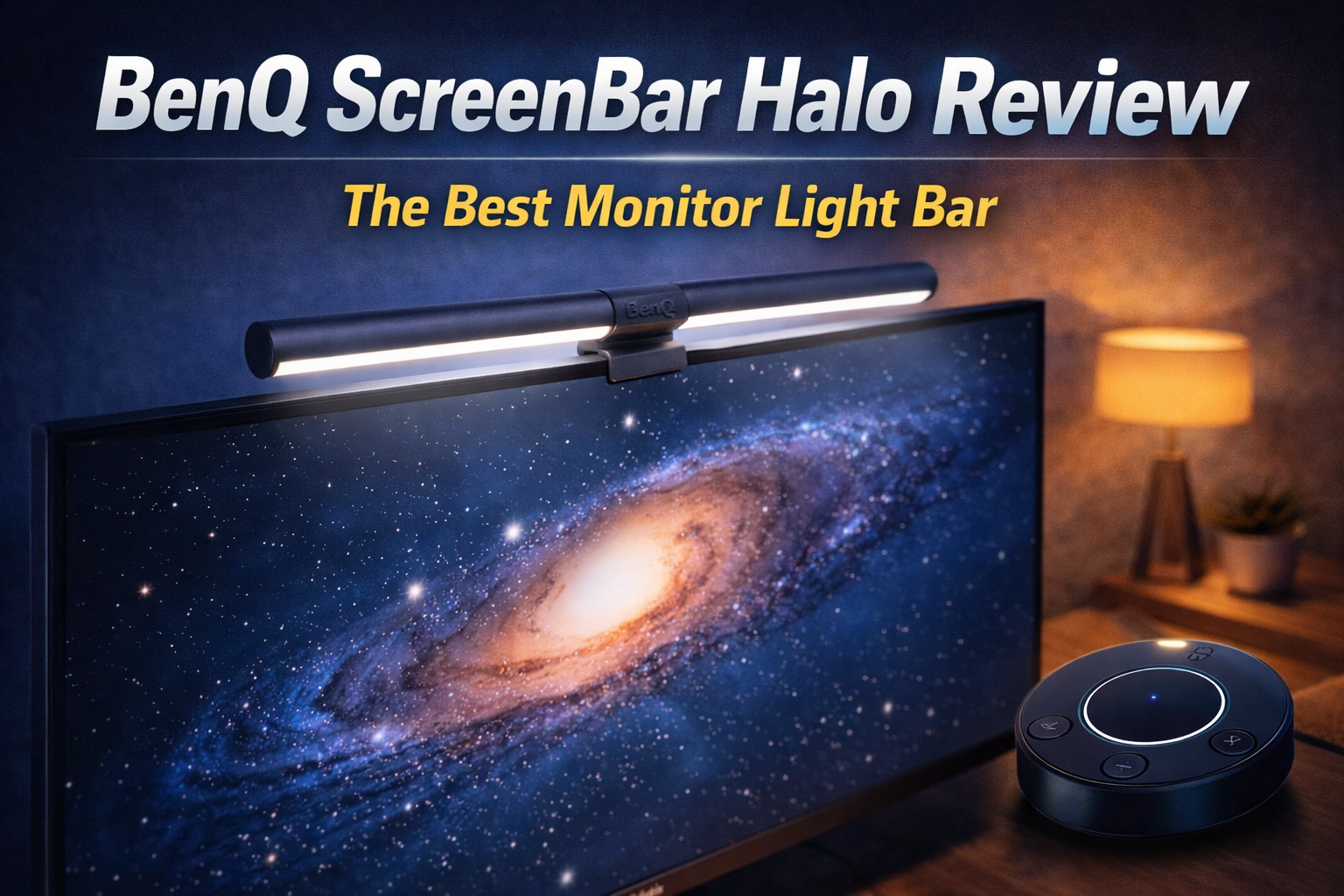
BenQ ScreenBar Halo.
The ultimate finishing touch for any premium desk. We test the flagship monitor light bar to see if it actually eliminates eye strain during late-night gaming and deep-focus work sessions.
| Specification | Detail |
|---|---|
| Illumination | Asymmetrical Optical Design (Zero Screen Glare) |
| Color Temperature | Adjustable (2700K Warm to 6500K Cool) |
| Control System | Wireless Desktop Dial (Touch & Rotate) |
| Light Modes | Front Light, Back Light (Halo), or Both |
The Good
- ✓ It completely frees up your desk space. Because it sits perfectly balanced on top of your monitor, you don’t need a bulky desk lamp base taking up room.
- ✓ The asymmetrical lighting angle is flawless. It lights up your keyboard and desk perfectly without shining a single beam of light onto your monitor screen.
- ✓ The wireless desktop dial feels like a piece of high-end audio equipment. It is incredibly satisfying to rotate for brightness and color temperature.
- ✓ The rear “Halo” backlight dramatically reduces the harsh contrast between your bright monitor and the dark wall behind it, saving your eyes.
The Bad
- ✗ The wireless controller goes to sleep to save battery. You have to hover your hand over it for a split second to “wake it up” before you can adjust the light.
- ✗ If you use a thick, external webcam, mounting it on top of the ScreenBar Halo can be slightly awkward, though BenQ does include a webcam adapter in the box.
- ✗ It is undeniably expensive for what is, fundamentally, a desk light.
The Anti-Glare Magic
If you use a standard desk lamp next to your PC, it casts an annoying glare directly onto your screen, washing out your colors and making it hard to see dark scenes in games. The ScreenBar Halo solves this with physics.
It uses an asymmetrical optical design. The inner reflective surface directs the LED light straight down onto your keyboard and desk area, cutting off perfectly right before the screen starts. Your workspace is beautifully illuminated, but your monitor remains completely glare-free.
The Wireless Desktop Dial
Previous versions of monitor lights had buttons on the light bar itself, which meant you had to reach over your screen and accidentally smudge your monitor just to turn it on. The Halo includes a premium, battery-operated wireless puck that sits on your desk.
It features a smooth, weighted rotating bezel to adjust brightness and color temperature (from a sharp, cool blue for deep work to a warm, cozy orange for late-night relaxing). It also features a one-touch auto-dimming button that uses a built-in ambient light sensor to perfectly match the brightness of your room.
The “Halo” Backlight for Eye Strain
Staring at a bright screen in a pitch-black room forces your pupils to constantly adjust, leading to severe eye strain and headaches. The “Halo” in the name refers to the secondary light built into the back of the mounting clip.
This casts a soft, diffused glow against the wall behind your monitor. This bias lighting creates a smooth transition between the bright screen and the dark room, drastically reducing eye fatigue during long sessions. You can choose to have only the front light on, only the back light on, or both simultaneously.
Final Verdict
The BenQ ScreenBar Halo is a luxury upgrade that quickly becomes a necessity. Once you experience the glare-free illumination, the satisfying wireless dial, and the relief from eye strain, you will never want to use a PC in the dark again. It is the ultimate cherry on top of a premium workspace.