
Top 10 WFH Essentials.
Your home office should be a fortress of focus. We have tested and ranked the ultimate top 10 Work From Home setup essentials that eliminate distractions, protect your posture, and supercharge your daily productivity.
Calculate Monitor Sharpness (PPI)
Reading text for 8 hours a day requires a sharp monitor to prevent eye strain. Use this formula to calculate the Pixels Per Inch ($PPI$) using the screen width in pixels ($W_{px}$), height in pixels ($H_{px}$), and diagonal size in inches ($D_{inch}$):
*Pro Tip: For a premium WFH experience, always aim for a monitor with a PPI of 109 or higher (like a 27-inch 4K display) for retina-level text clarity.*
| Rank | Brand & Model | Category | Best For |
|---|---|---|---|
| #1 | LG 34″ Curved Ultrawide | Monitor | Multitasking |
| #2 | Steelcase Gesture | Chair | Ergonomics |
| #3 | FlexiSpot Electric Desk | Desk | Sit-Stand Routine |
| #4 | Logitech MX Master 3S | Mouse | Workflow Speed |
| #5 | Keychron Q1 Pro | Keyboard | Typing Comfort |
| #6 | Logitech Brio 4K | Webcam | Zoom Meetings |
| #7 | Shure MV7 USB | Microphone | Vocal Clarity |
| #8 | BenQ ScreenBar Halo | Lighting | Eye Protection |
| #9 | CalDigit TS4 Dock | Docking | Cable Management |
| #10 | Elgato Stream Deck MK.2 | Accessory | Macro Shortcuts |
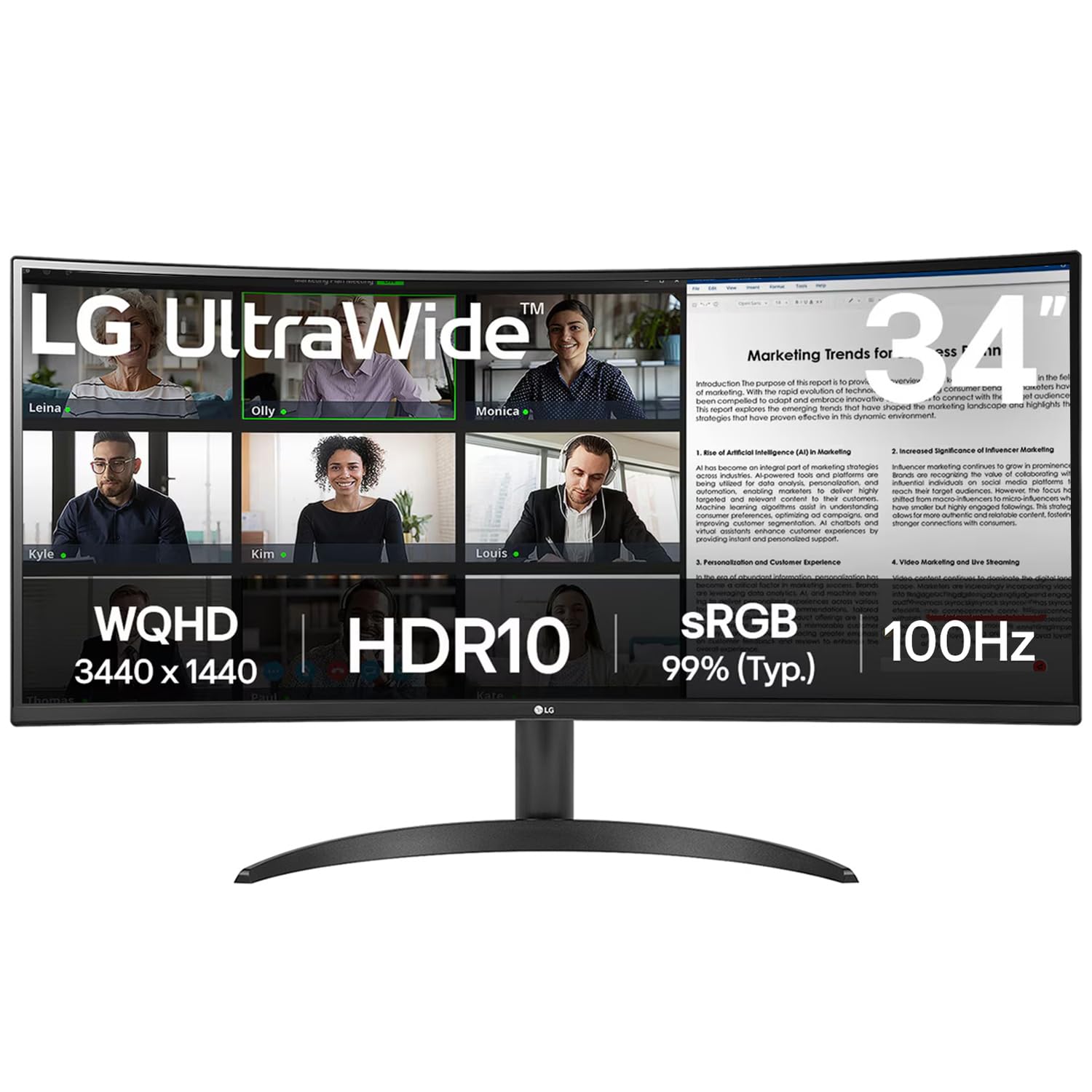
1. LG 34″ Curved Ultrawide Monitor
The Ultimate Multitasking Canvas
Ditch the dual-monitor gap. A 21:9 curved ultrawide monitor allows you to snap three full-sized windows side-by-side. The LG model features USB-C power delivery, meaning a single cable charges your laptop while displaying video, keeping your desk entirely clutter-free.
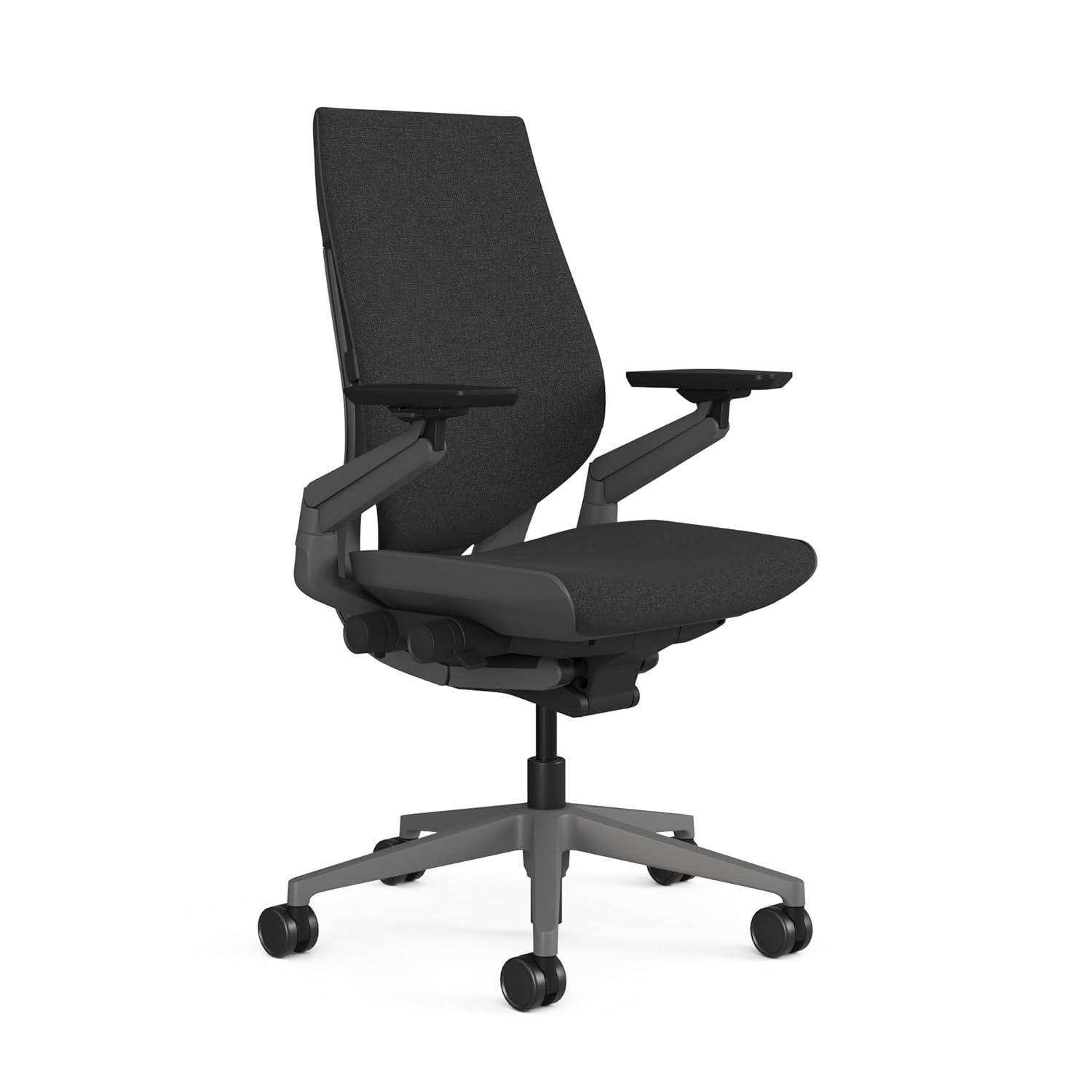
2. Steelcase Gesture Ergonomic Chair
Best Investment For Your Spine
Your chair is the most important piece of your WFH setup. The Steelcase Gesture is designed to support the natural movements of the human body. With unparalleled 3D armrests designed specifically for typing and smartphone use, it actively prevents lower back pain during 10-hour shifts.
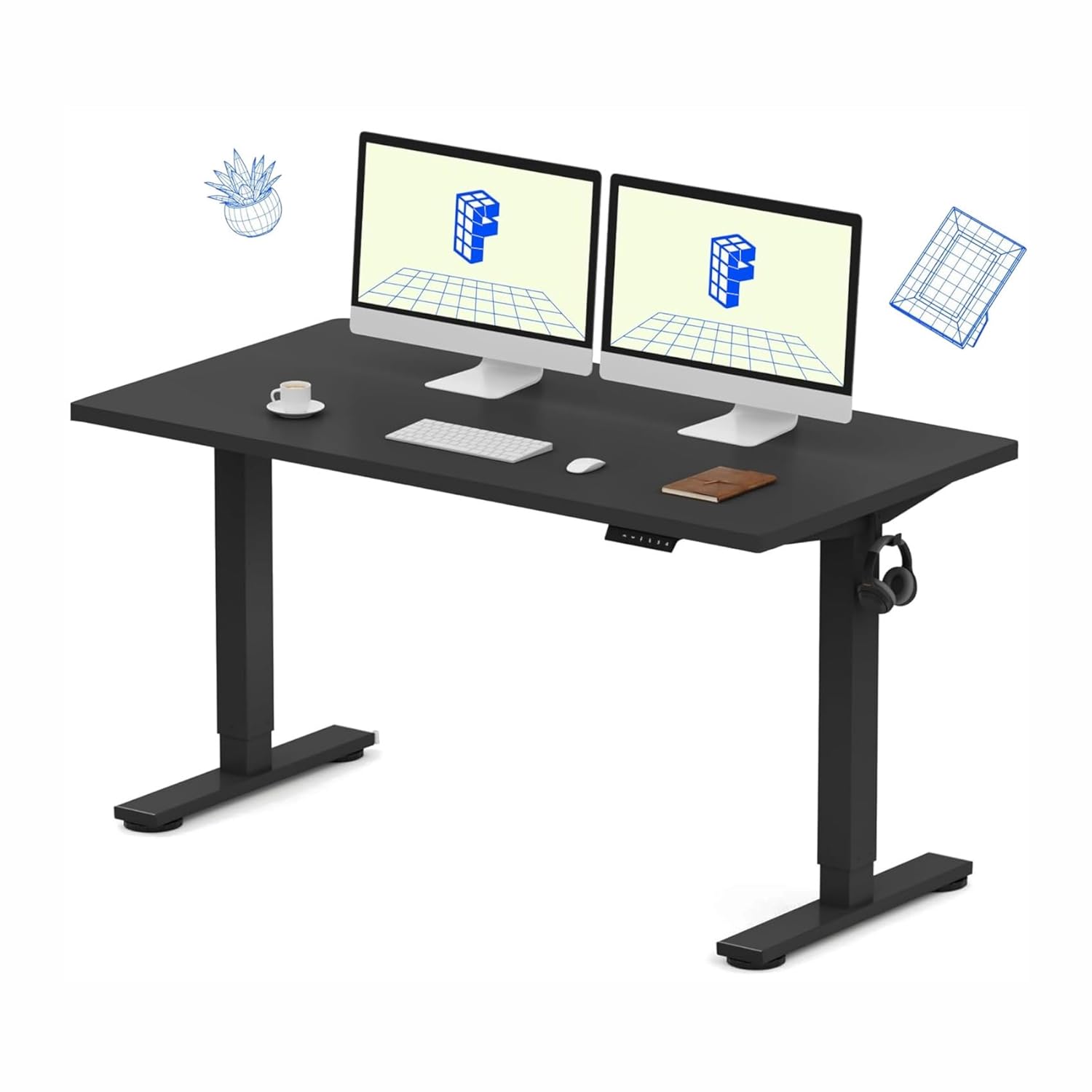
3. FlexiSpot Electric Standing Desk
Master Your Energy Levels
Sitting all day is terrible for circulation and focus. The FlexiSpot features a dual-motor system that silently lifts your entire setup in seconds. The programmable memory presets allow you to switch from sitting to standing with a single tap, keeping you energized through afternoon slumps.
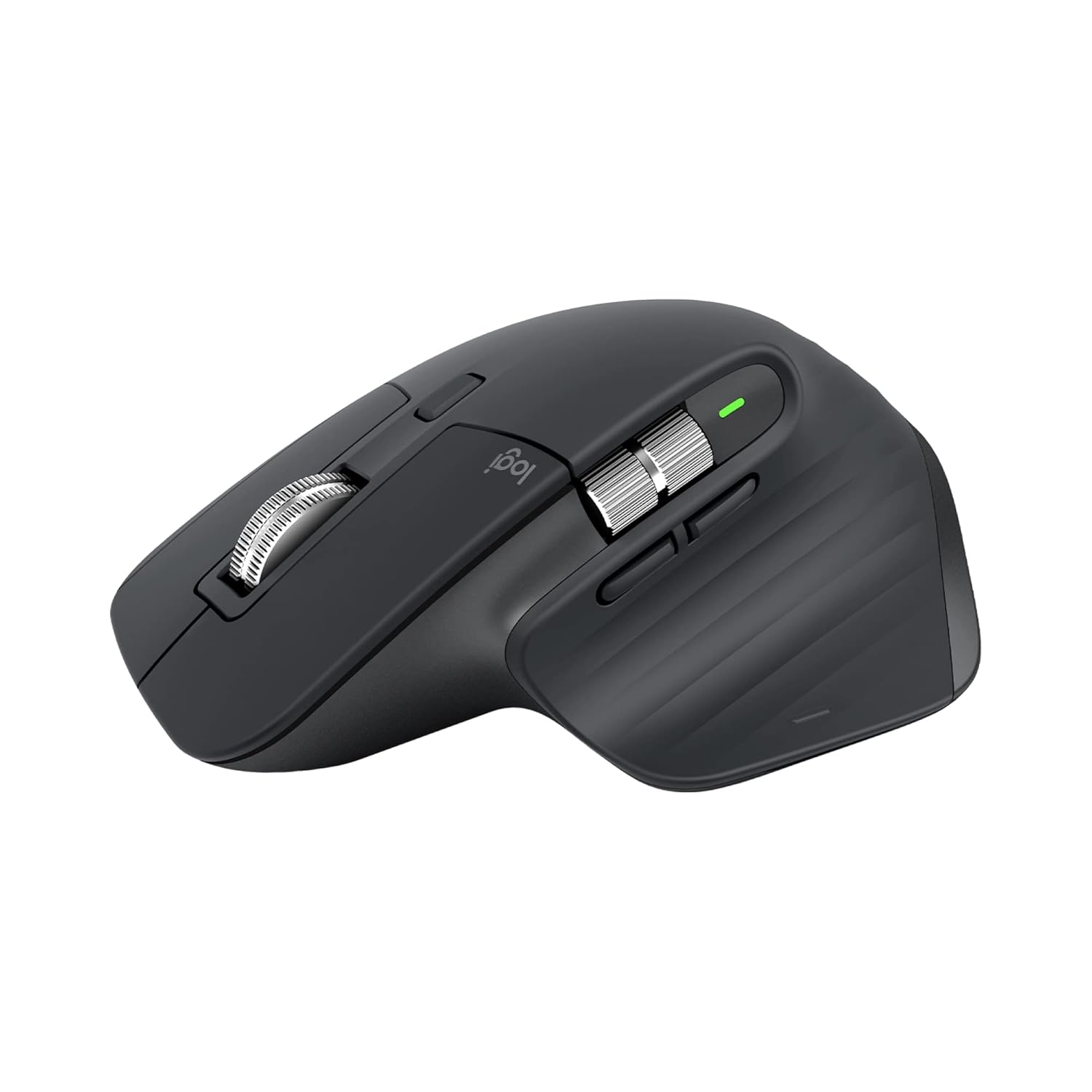
4. Logitech MX Master 3S
The Industry Standard Workflow Mouse
This is the undisputed king of productivity mice. The MX Master 3S features silent clicks, an 8000 DPI track-on-glass sensor, and a MagSpeed electromagnetic scroll wheel that can zip through 1,000 lines of code or spreadsheets in a second. The horizontal thumb wheel is a game-changer for video editors.
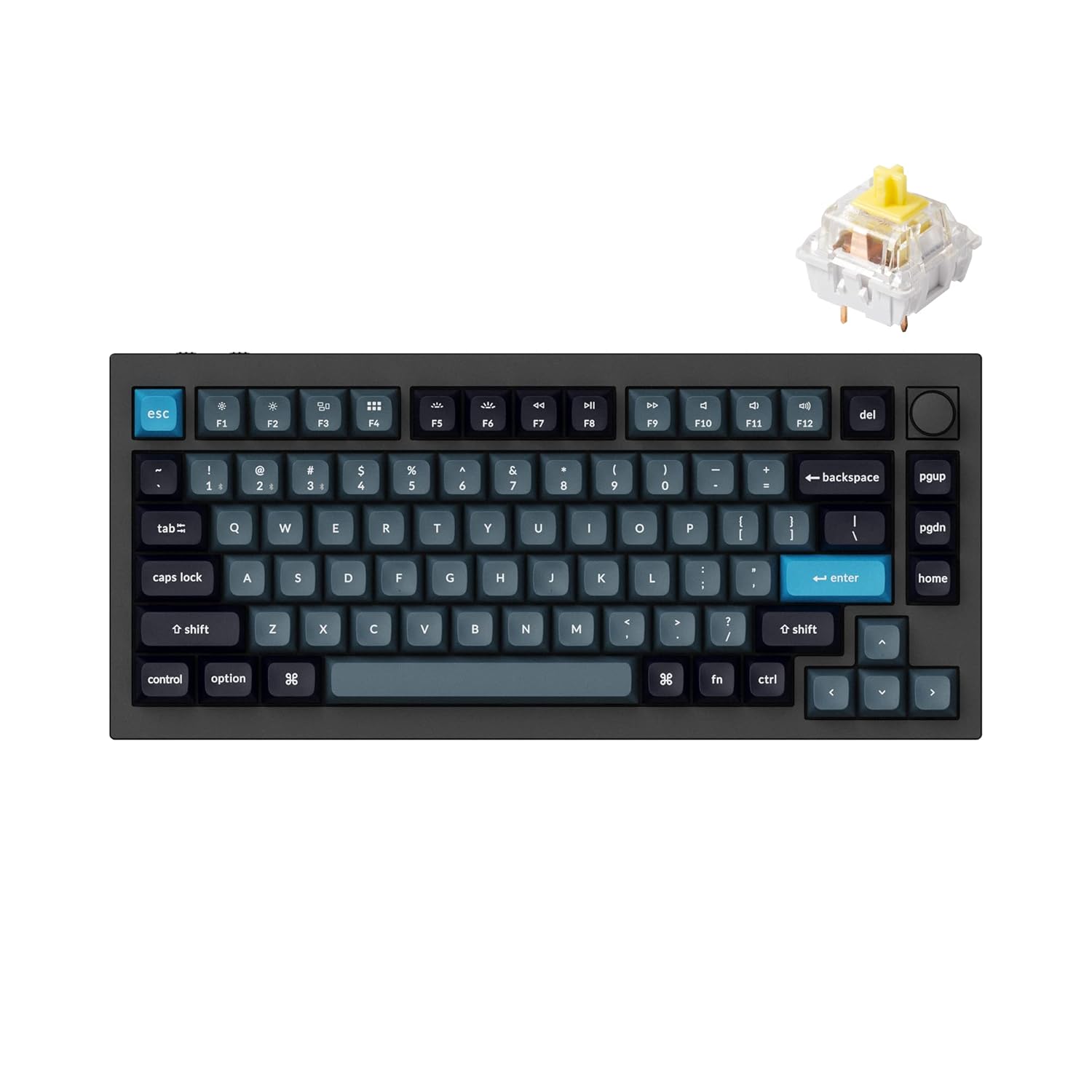
5. Keychron Q1 Pro Mechanical Keyboard
Premium Typing Experience
Typing on a laptop keyboard all day ruins your wrists. The Keychron Q1 Pro is a wireless, full-aluminum mechanical keyboard that sounds and feels like luxury. It connects to up to 3 devices via Bluetooth, making switching between your work PC and personal iPad effortless.
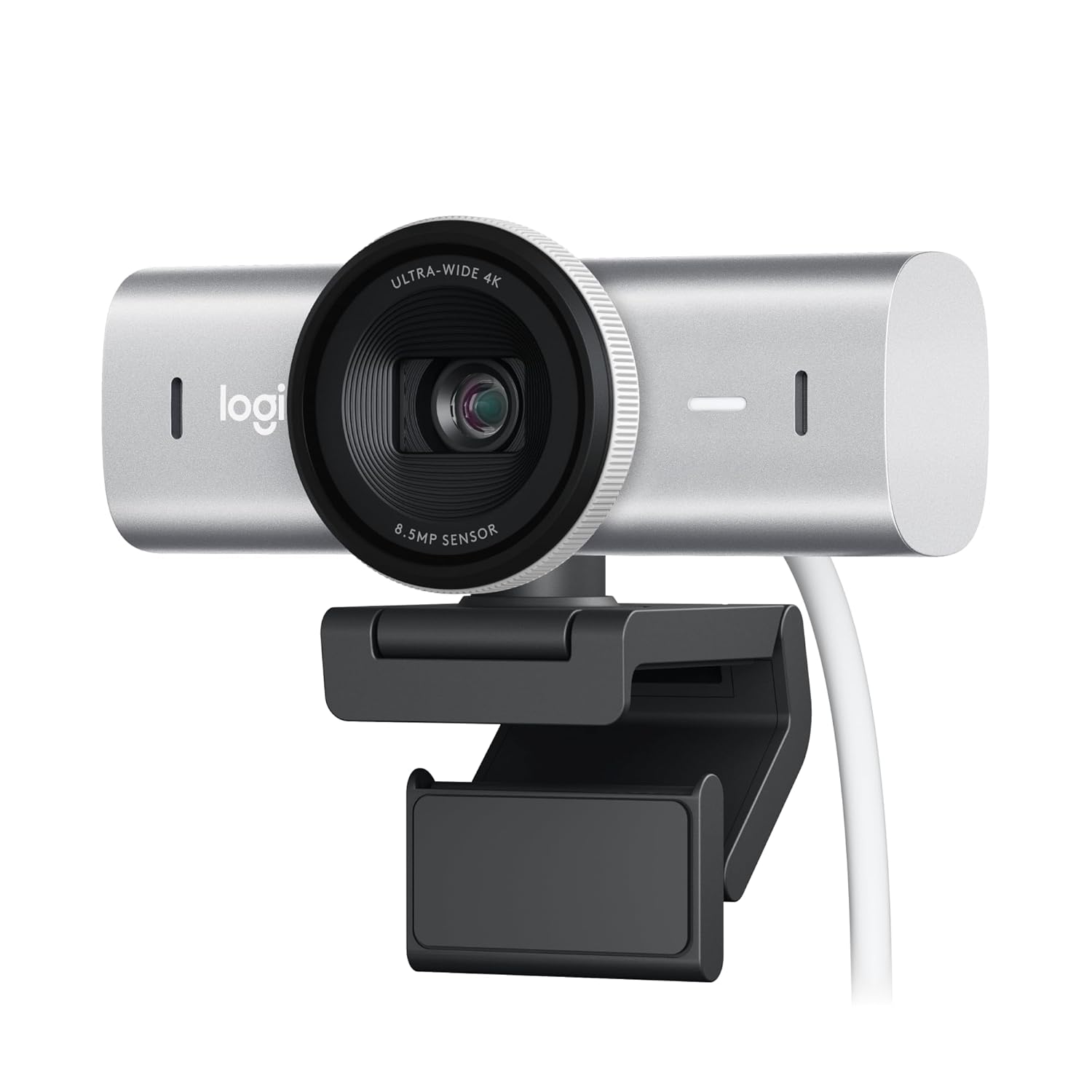
6. Logitech Brio 4K Webcam
Look Like a Professional
Your laptop’s blurry 720p webcam isn’t cutting it for high-stakes Zoom calls. The Logitech Brio delivers stunning 4K resolution and features RightLight 3 with HDR, meaning you look perfectly lit even if your home office has a bright window right behind you.
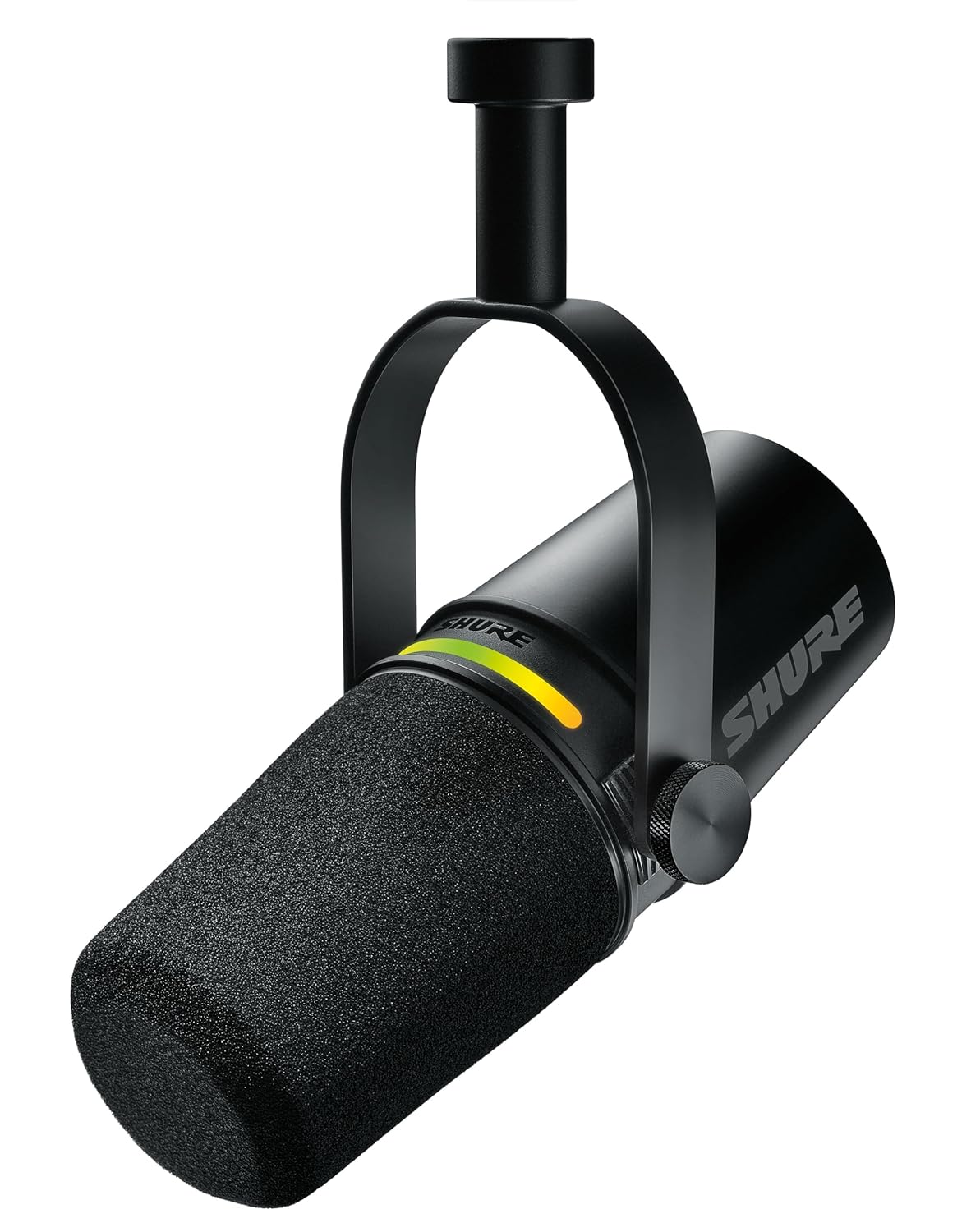
7. Shure MV7 USB Microphone
Broadcast Quality Audio
People will forgive bad video, but they won’t forgive bad audio. Inspired by the legendary SM7B, the Shure MV7 plugs directly via USB and uses Voice Isolation Technology to reject background noise like AC hums or street traffic, giving you a deep, commanding podcast voice.
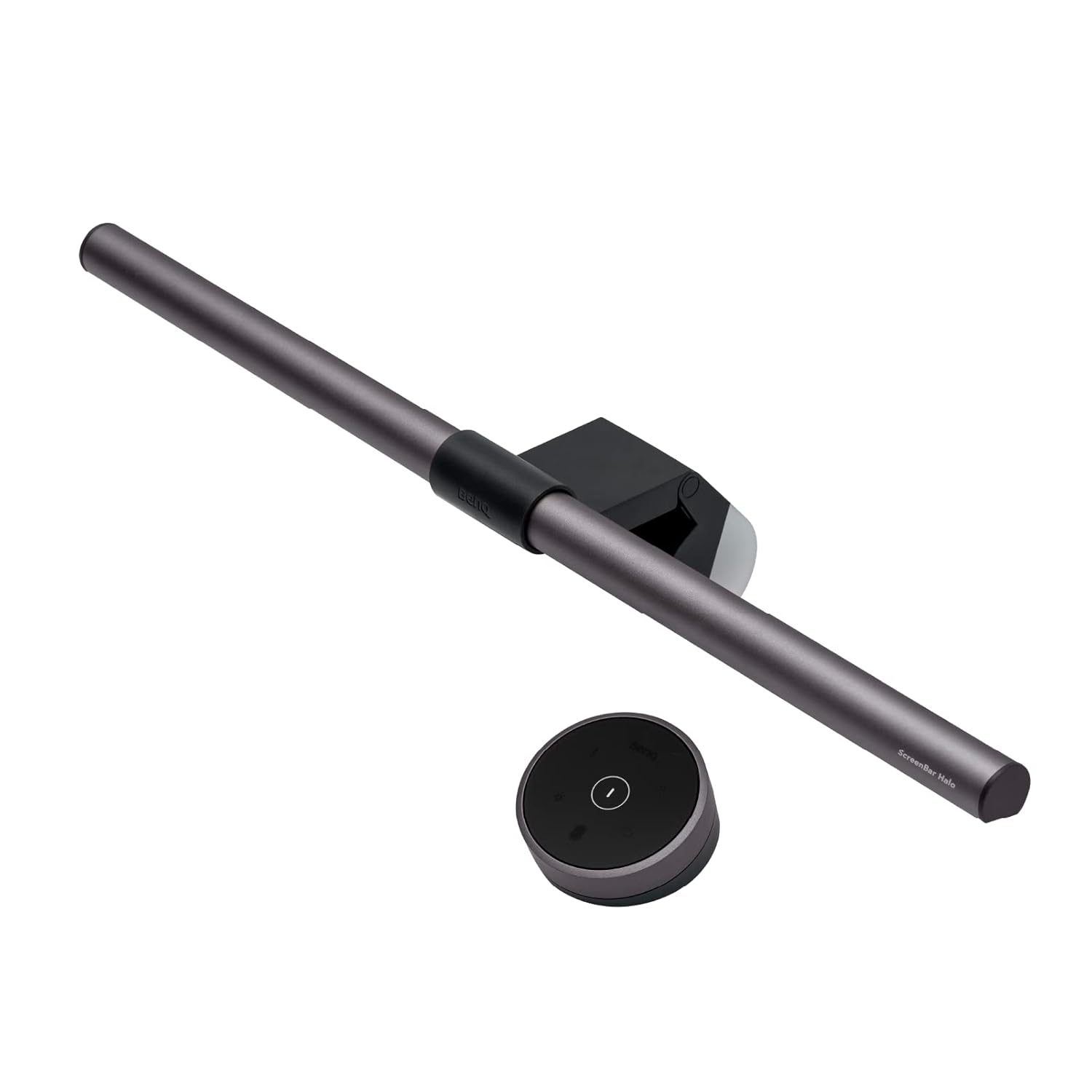
8. BenQ ScreenBar Halo
Zero Glare Eye Protection
Desk lamps create screen glare and take up valuable space. The BenQ ScreenBar sits neatly on top of your monitor, directing asymmetrical light straight down to your desk without hitting the screen. The wireless puck lets you adjust color temperature to reduce eye fatigue at night.

9. CalDigit TS4 Thunderbolt 4 Dock
The Cable Management Fix
Stop plugging 6 different cables into your laptop every morning. The CalDigit TS4 hides under your desk and gives you 18 massive ports. Just plug one single Thunderbolt cable into your laptop, and it connects your monitor, ethernet, mic, webcam, and charges your device simultaneously.

10. Elgato Stream Deck MK.2
Productivity Hack Console
It’s not just for Twitch streamers. Professionals use the Stream Deck to create 1-touch macro shortcuts. You can program a single button to launch your CRM, open Excel, mute your mic on Zoom, and turn on your desk lights all at exactly the same time.
Pro Tip for Cable Management
Never let cables hang. Mount a cheap cable raceway tray underneath your standing desk and attach a heavy-duty power strip inside it. This way, only ONE single power cord needs to go to the wall socket, allowing the desk to move up and down freely without pulling your devices!
Common Questions
Are standing desks actually worth it?
Absolutely. Studies show alternating between sitting and standing every 2 hours improves blood flow, reduces lower back compression, and eliminates the 2 PM energy slump. It’s a game-changer for long-term health.
Why should I buy an external microphone?
Laptop microphones pick up laptop fan noise, keyboard typing, and room echo. A dedicated dynamic USB mic isolates your voice, making you sound far more authoritative and professional in client pitches and team meetings.
Is an ultrawide monitor better than dual monitors?
For most professionals, yes. An ultrawide removes the distracting black bezel down the middle of your vision, requires fewer cables, and lets you spread out wide spreadsheets seamlessly without jumping across screens.