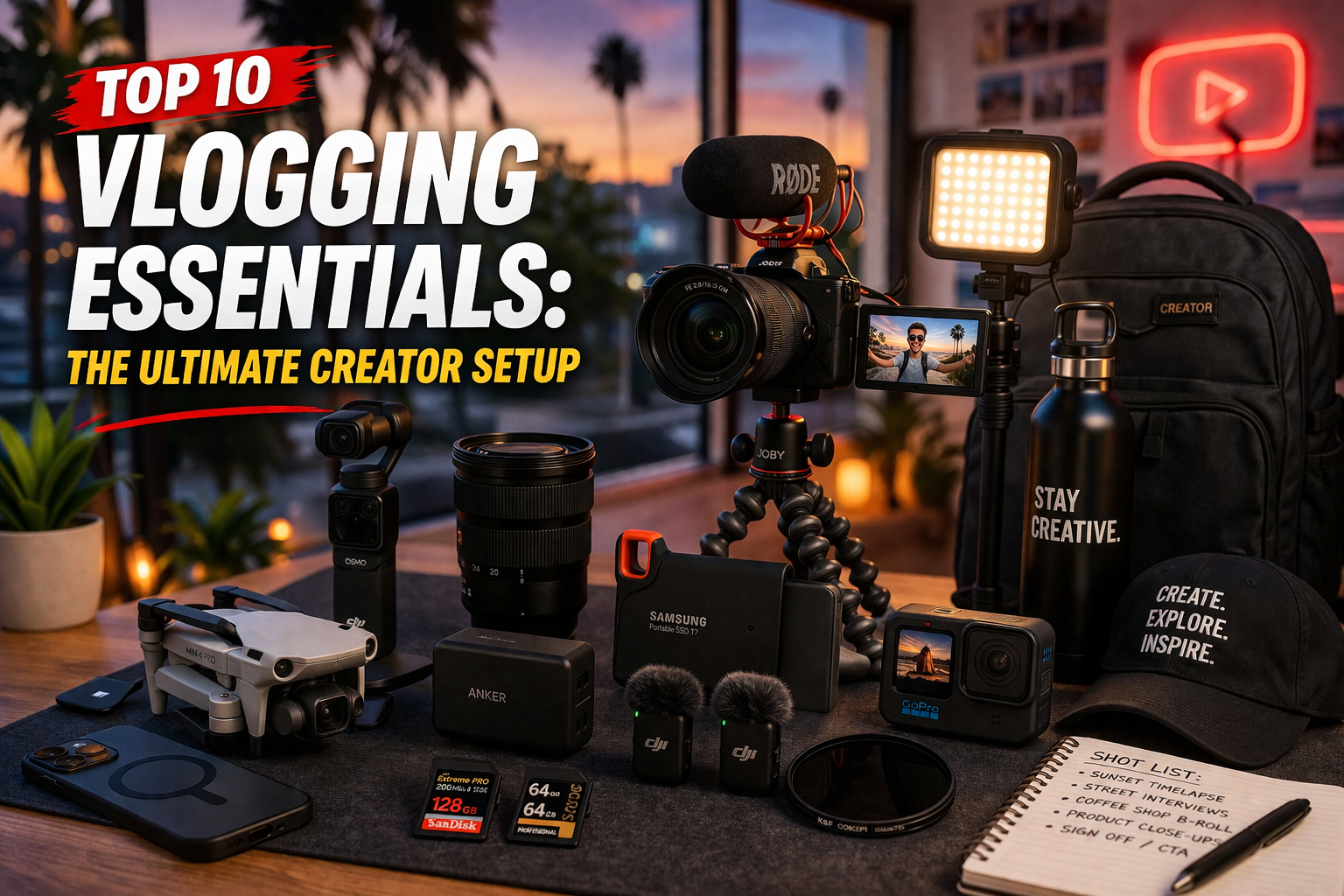
Top 10 Ultimate Vlogging Essentials.
From run-and-gun street vlogs to premium sit-down studio setups. Here is the ultimate hardware and tech stack you need to capture cinematic 4K footage, record flawless audio, and edit like a pro.
Calculate 4K Storage Needs
Shooting in 4K eats up storage fast. To estimate your required SSD Storage (S) in GB per shoot, use this formula based on your Recording Minutes (M) and Bitrate Factor (B, roughly 0.75 GB/min for 4K 10-bit):
*Pro Tip: A standard 1-hour vlog shoot at 4K/60fps will generate about 45GB of raw footage. Always carry a rugged 2TB portable SSD to offload files and avoid running out of space in the field.*
| Rank | Brand & Model | Category | Best For |
|---|---|---|---|
| #1 | DJI Osmo Pocket 3 | Main Camera | Run-and-Gun Vlogs |
| #2 | DJI Mic 2 System | Wireless Audio | Outdoor Sound |
| #3 | DJI Mini 4 Pro | Drone | Cinematic B-Roll |
| #4 | Apple MacBook Pro M3 | Laptop | 4K Video Editing |
| #5 | Insta360 Link | Studio Webcam | Sit-Down Videos |
| #6 | Shure MV7+ | Microphone | Studio Voiceovers |
| #7 | Alienware AW3423DWF | Monitor | Color Grading |
| #8 | Elgato Stream Deck + | Controller | Editing Workflow |
| #9 | Secretlab TITAN Evo | Editing Chair | Posture Support |
| #10 | SanDisk Extreme Pro | Portable SSD | Rugged Storage |
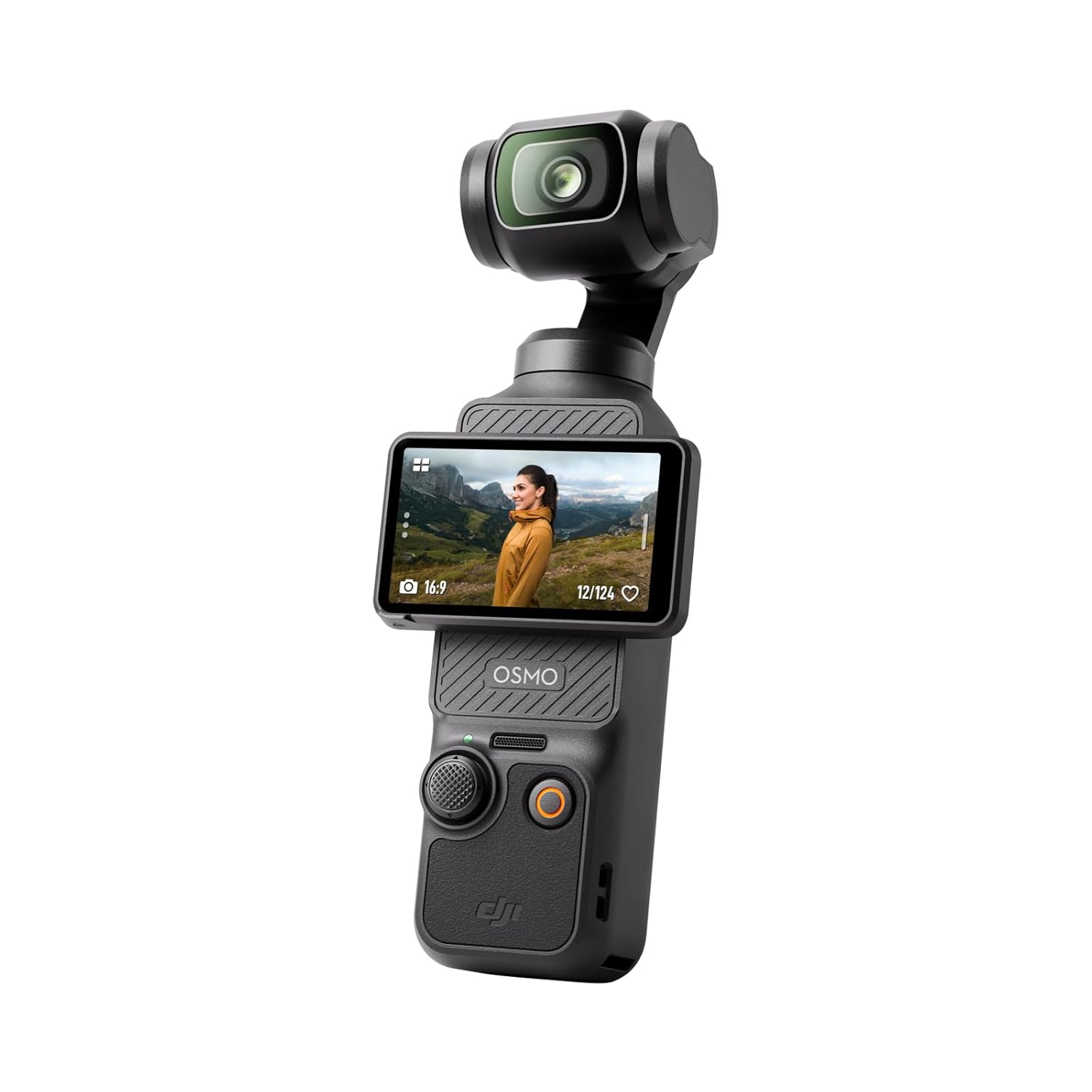
1. DJI Osmo Pocket 3
Ultimate Vlogging Camera
Heavy DSLR cameras are dead for street vlogging. The DJI Osmo Pocket 3 fits in your pocket but packs a massive 1-inch sensor for incredible low-light performance. Its built-in 3-axis mechanical gimbal ensures your 4K footage is butter-smooth even if you are running.
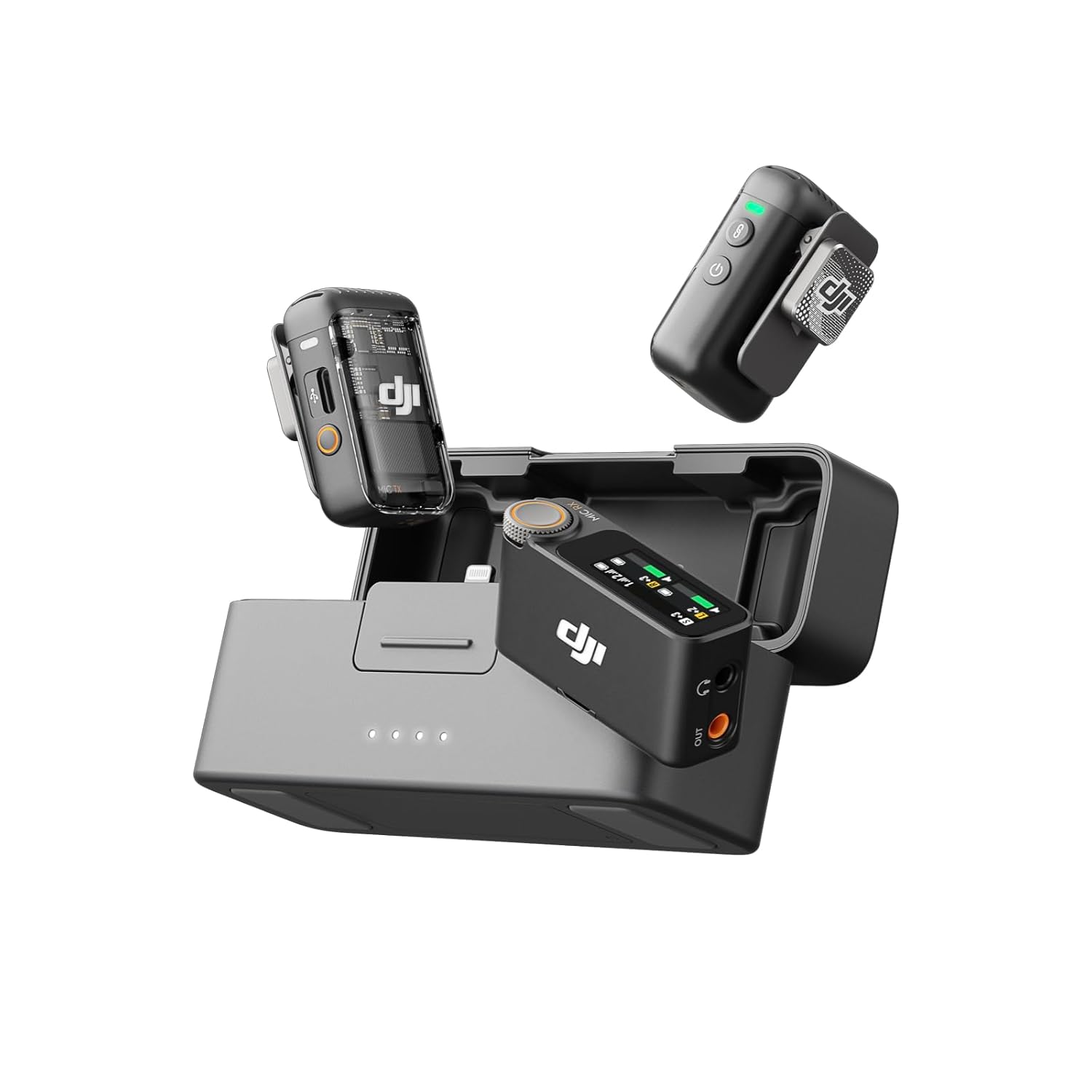
2. DJI Mic 2 Wireless System
Crystal Clear Outdoor Sound
Viewers will forgive bad video, but they will click away instantly if your audio is terrible. The DJI Mic 2 clips to your shirt and records 32-bit float audio, meaning your audio will never distort, even if you shout. It features intelligent noise cancellation to block out wind and traffic.
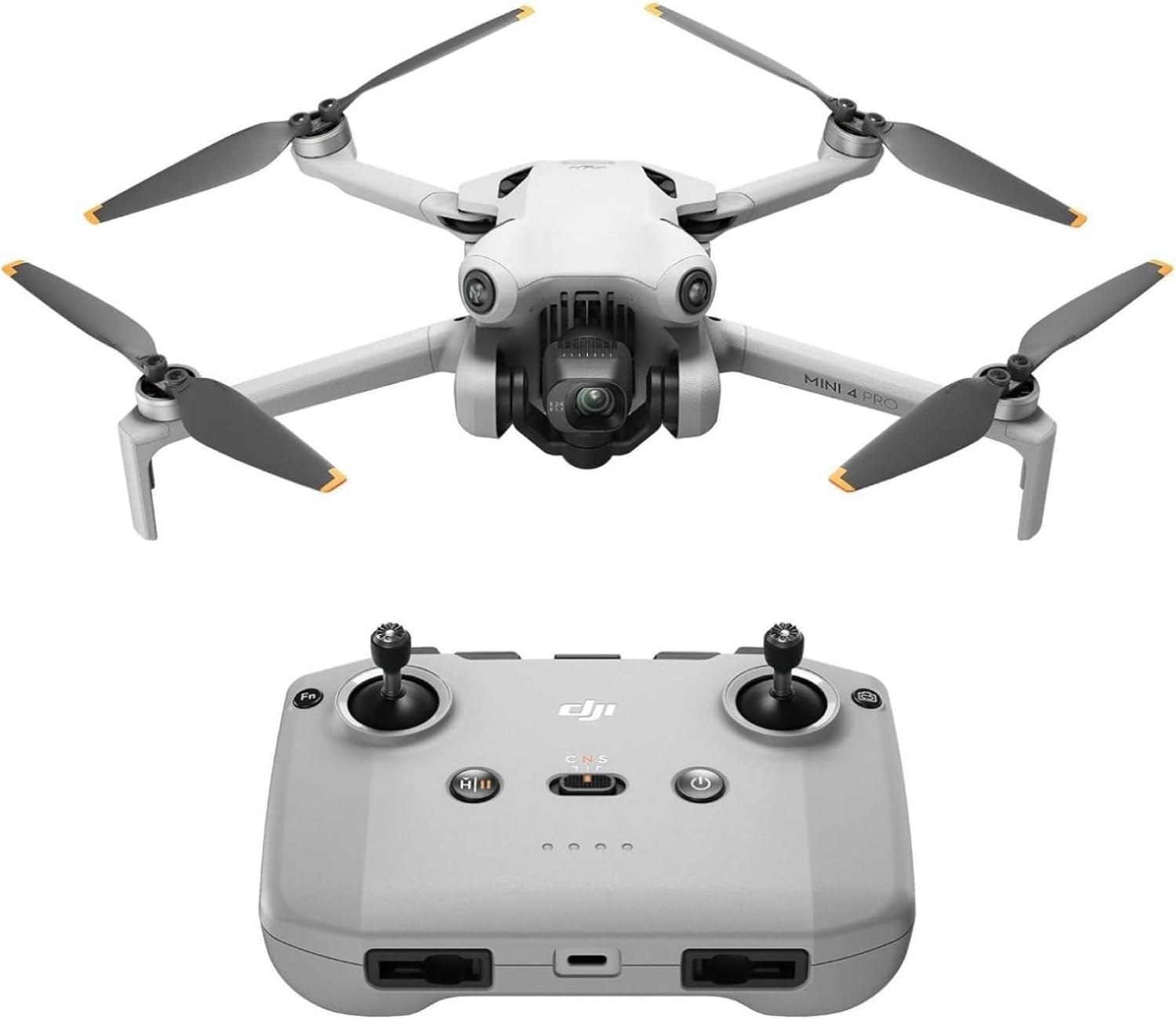
3. DJI Mini 4 Pro
Cinematic B-Roll Drone
The DJI Mini 4 Pro weighs under 250 grams, bypassing strict drone registration laws. It shoots stunning 4K/60fps HDR video and features omnidirectional obstacle sensing, meaning the drone will literally fly itself around trees and buildings while tracking you automatically.
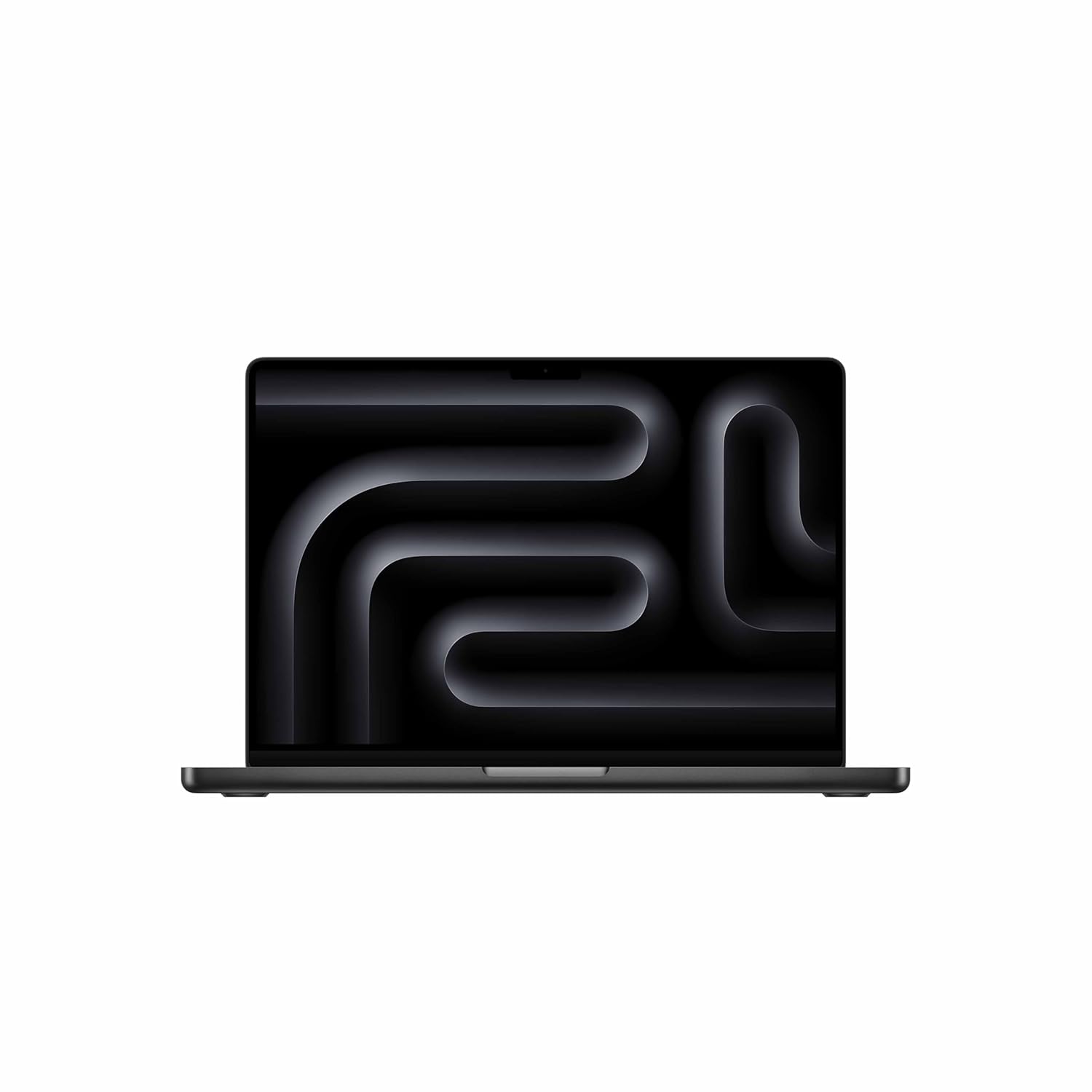
4. Apple MacBook Pro (M5)
Flawless 4K Video Editing
Editing heavy 4K footage on a cheap laptop leads to crashes and extreme frustration. The MacBook Pro M5 handles Premiere Pro like a dream. You get desktop-level rendering speeds, a stunning Liquid Retina XDR display, and battery life that lets you edit on a 10-hour flight.
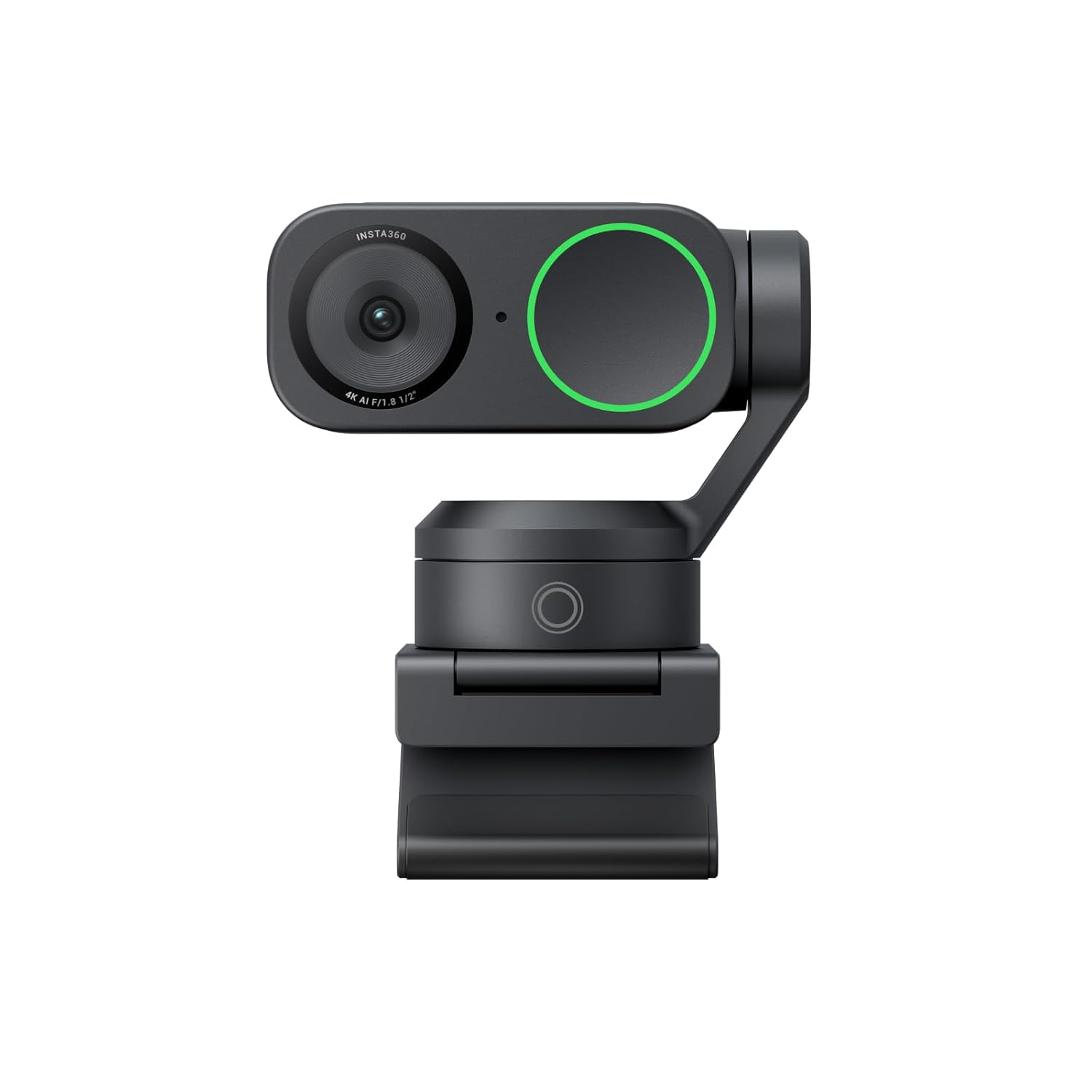
5. Insta360 Link
AI-Powered Studio Webcam
For sit-down videos or live streams, you need a high-end stationary camera. The Insta360 Link uses a massive 1/2-inch sensor and a physical 3-axis gimbal. It uses AI to track your face and automatically rotate to keep you perfectly framed without the hassle of tripods.
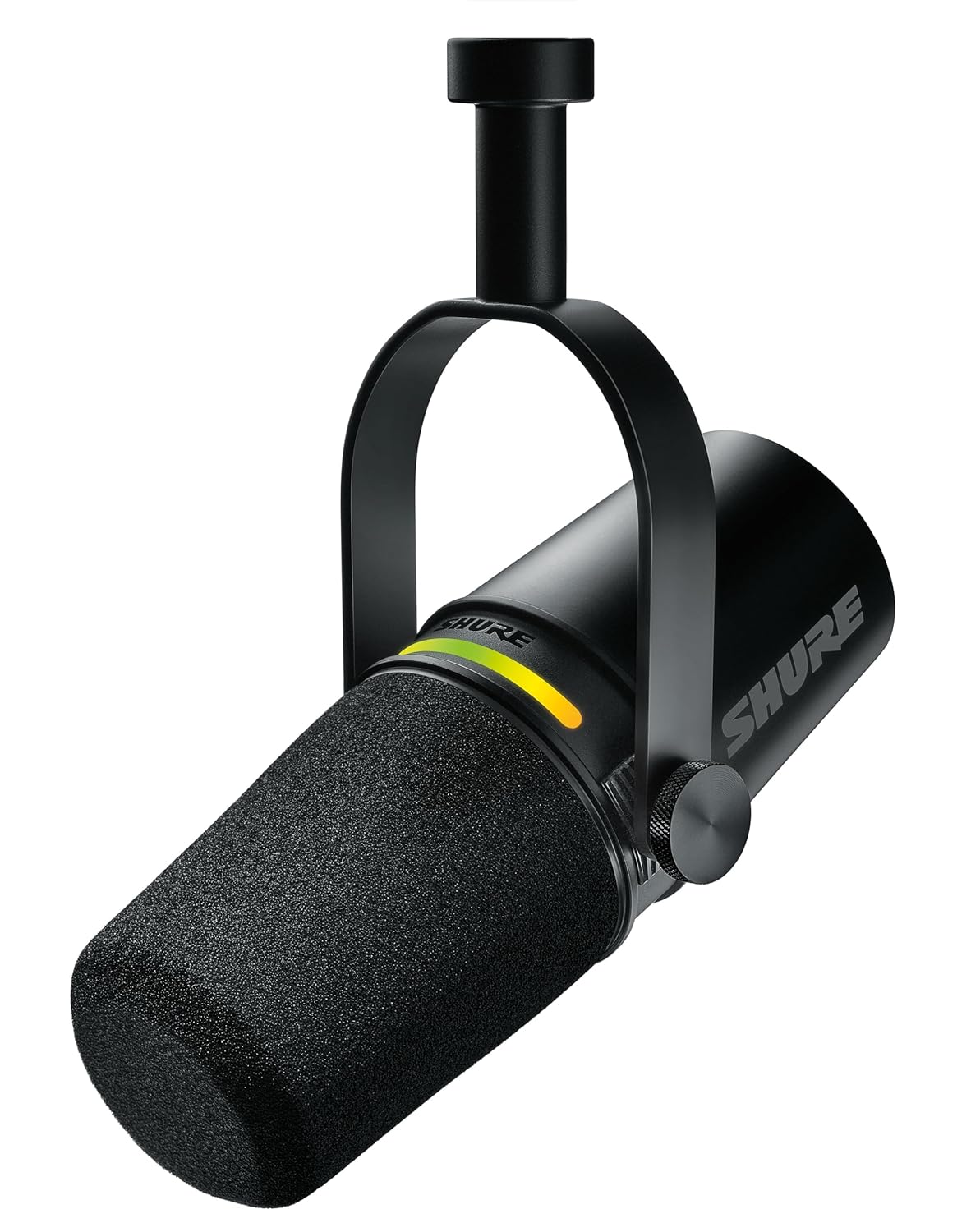
6. Shure MV7+
Studio Voiceover Microphone
When recording voiceovers for cinematic b-roll, you need isolation. The Shure MV7+ is a dynamic microphone that rejects background noise like PC fans or street traffic. It gives your voice that deep, rich, professional “radio host” quality instantly via USB-C.
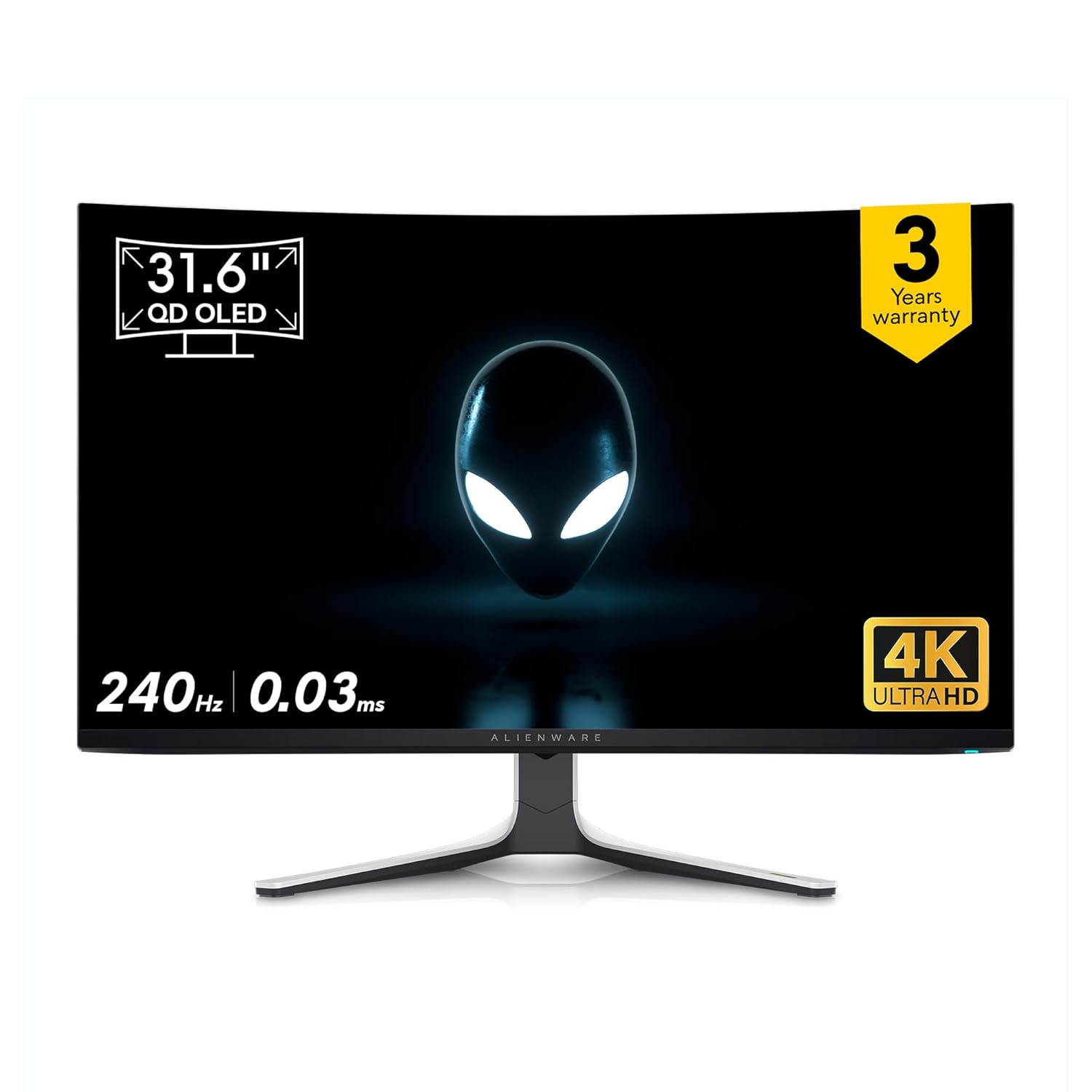
7. Alienware AW3423DWF
Ultrawide Editing Monitor
Editing video on a small screen kills productivity. An ultrawide monitor gives you a massive horizontal canvas for your timelines. This QD-OLED provides infinite contrast and perfect color accuracy, ensuring your color grading looks flawless on every device.
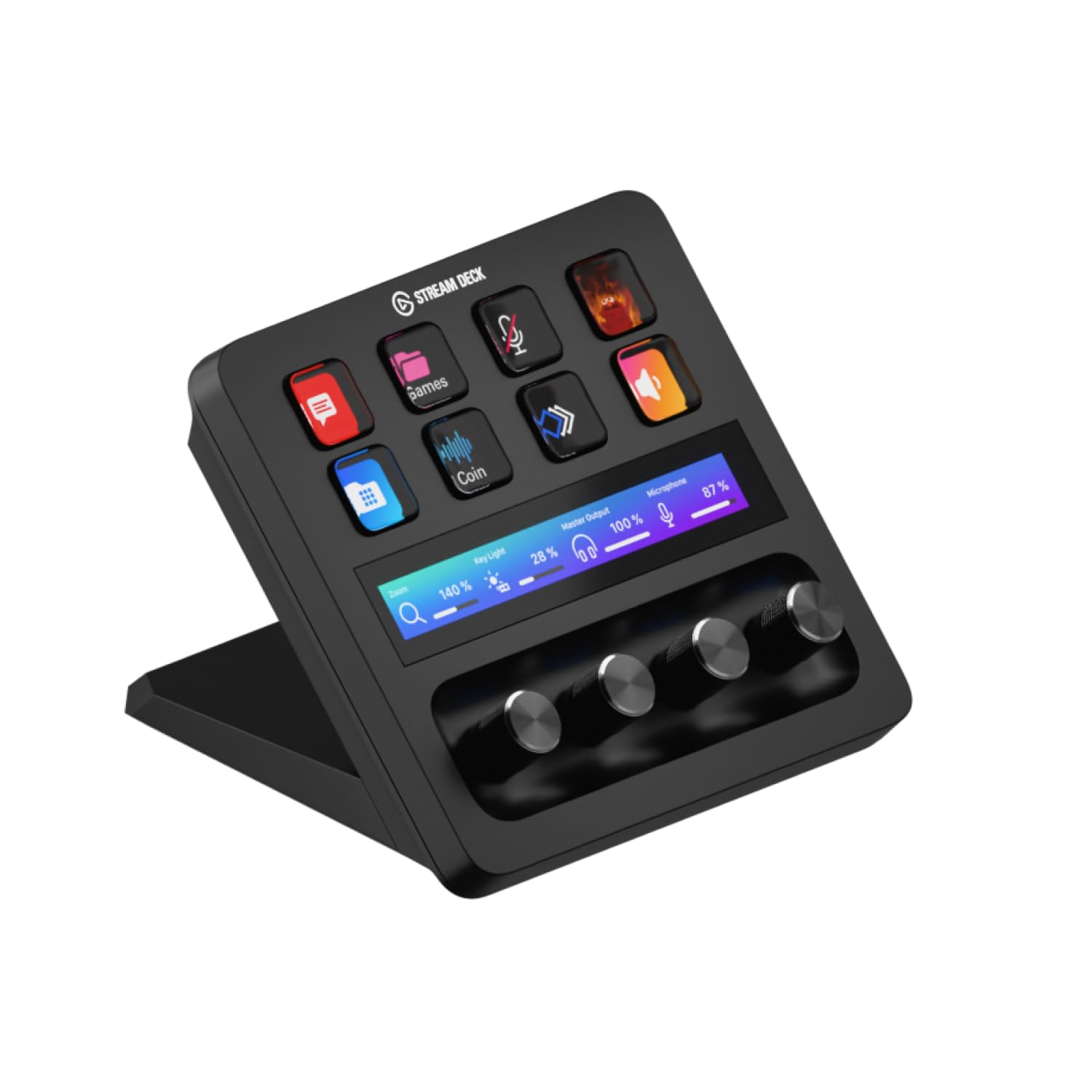
8. Elgato Stream Deck +
Editing Workflow Controller
Stop memorizing hundreds of keyboard shortcuts. The Stream Deck + features physical dials that allow you to smoothly zoom in and out of your video timeline, adjust brush sizes for thumbnails, or balance your audio tracks effortlessly without breaking flow.
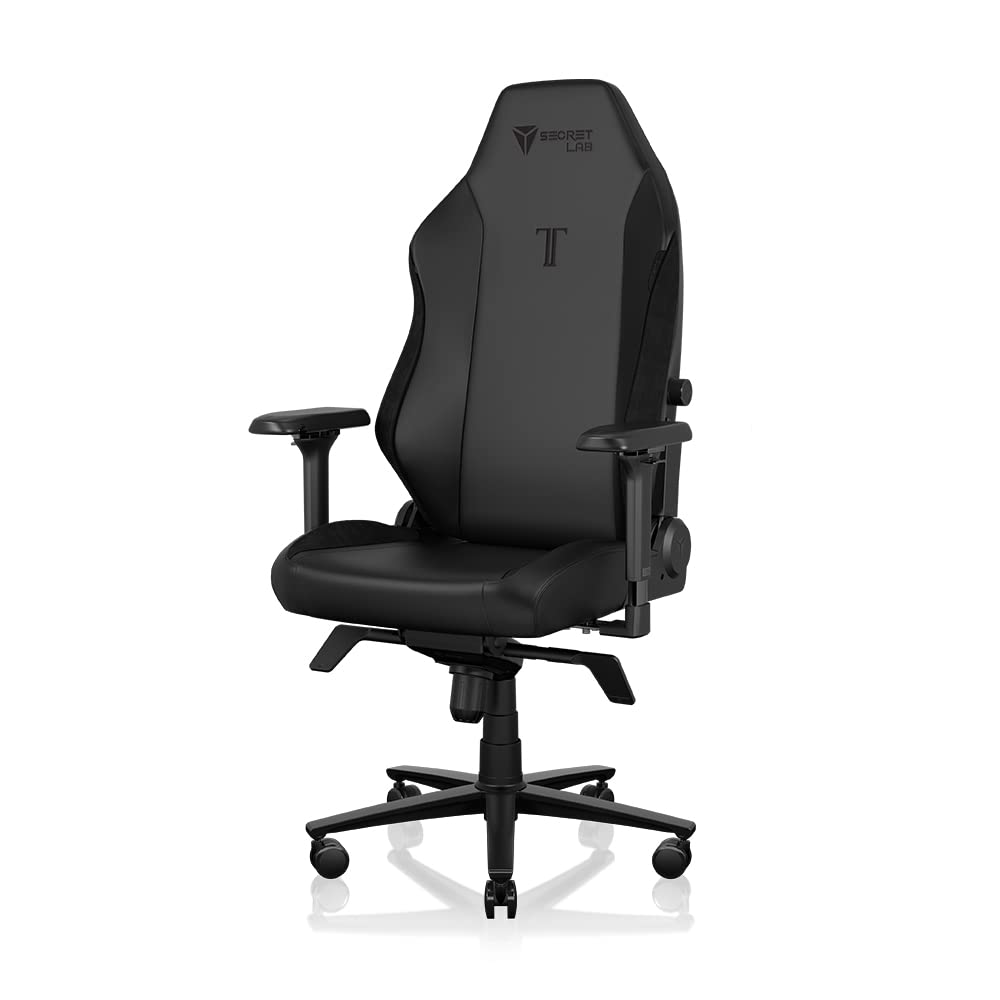
9. Secretlab TITAN Evo
Ergonomic Studio Chair
Video editing often means sitting for 8 hours straight. The Secretlab TITAN Evo features a sophisticated 4-way internal lumbar support system that maps perfectly to your spine, keeping your posture correct during marathon editing sessions.
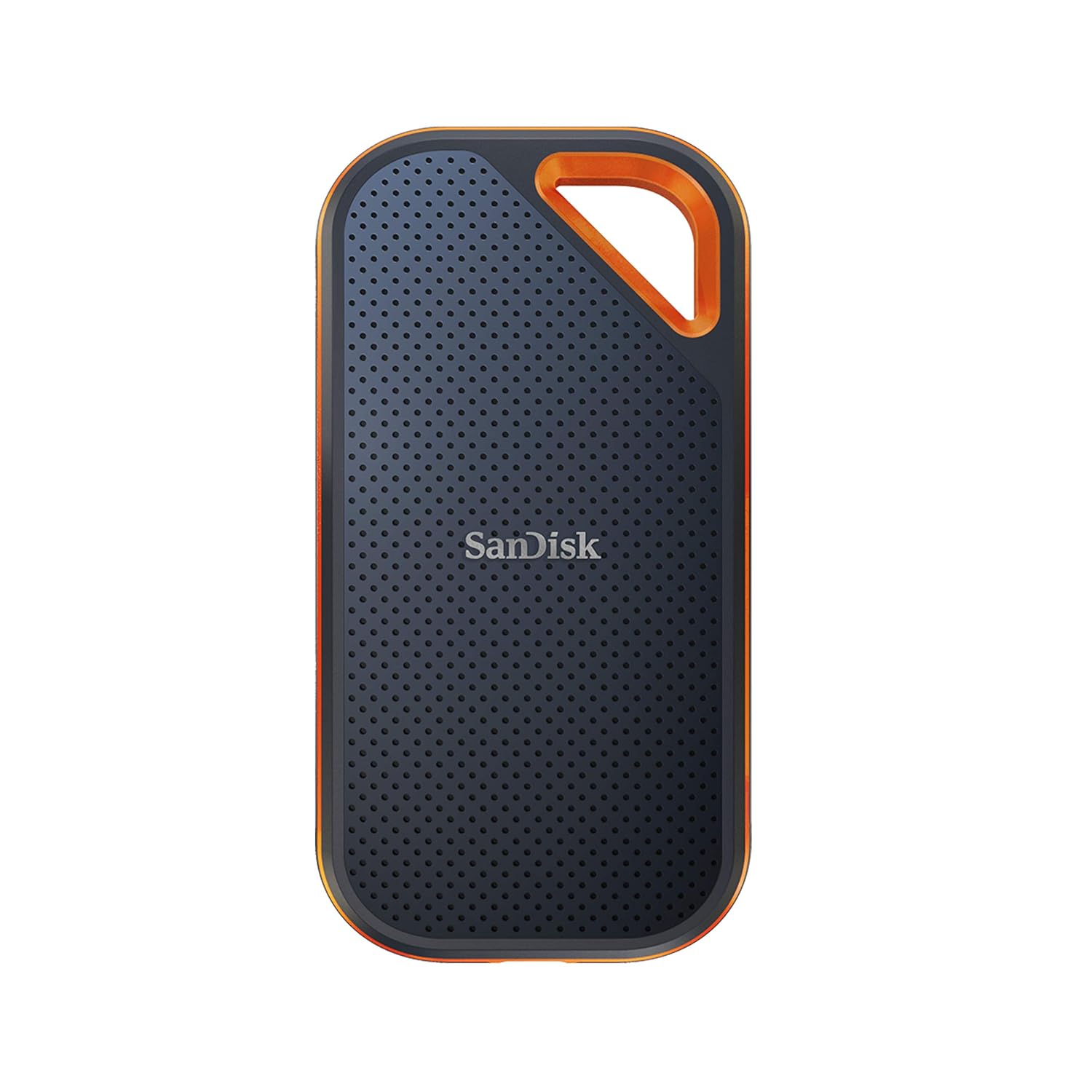
10. SanDisk Extreme Pro SSD
Rugged Portable Storage
4K video files take up massive space. The SanDisk Extreme Pro offers blazing fast NVMe read and write speeds, allowing you to scrub through 4K files directly off the drive. It is also drop-resistant, keeping your vlog footage safe from the elements.
Pro Tip for New Creators
Audio is more important than video! Viewers will tolerate 1080p footage if the audio is crisp and clear, but they will click away instantly from 8K cinematic footage if the wind noise is terrible. Always invest in a dedicated microphone before buying a new camera lens.
Common Questions
Do I need a full-frame DSLR to start vlogging?
No. In fact, full-frame cameras are often too heavy and difficult to focus for solo vloggers. Compact systems like the Osmo Pocket 3 or your smartphone are much better for starting out due to their stabilization and ease of use.
Can I edit 4K video on a Windows laptop?
Yes, absolutely. While MacBooks are highly optimized for Final Cut Pro and Premiere, a Windows laptop with a dedicated NVIDIA GPU (like an RTX 4060 or higher) and at least 32GB of RAM will handle 4K video editing perfectly well.
What does 32-bit float audio mean?
It is a recording format that captures a massive dynamic range. Simply put, it means your audio cannot ‘clip’ or distort if it gets too loud, and you can recover whisper-quiet audio in editing without adding background hiss. It’s essentially un-ruinable audio.