
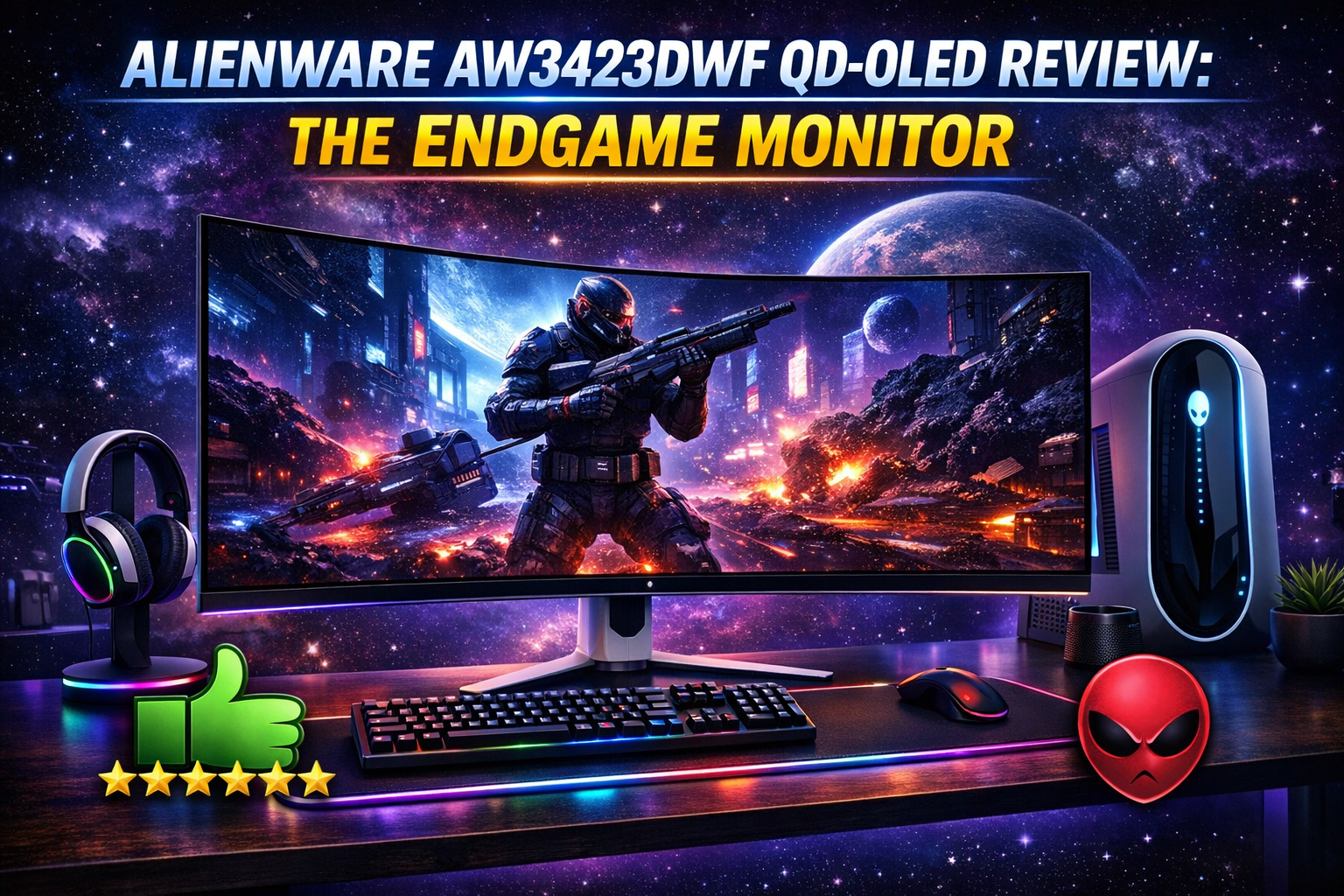
Alienware AW3423DWF QD-OLED.
The endgame monitor has arrived. We test the legendary QD-OLED ultrawide to see if the infinite contrast and pure blacks are actually worth the massive price tag.
| Specification | Detail |
|---|---|
| Panel Type | 34-inch QD-OLED (Quantum Dot) |
| Resolution & Curve | 3440 x 1440 (UWQHD) | 1800R Curve |
| Refresh Rate & Response | 165Hz | 0.1ms GtG (True Response) |
| HDR Certification | DisplayHDR True Black 400 & HDR Peak 1000 |
The Good
- ✓ Perfect, pure blacks. Because OLED pixels turn off completely, dark scenes in games and movies look unbelievably realistic with infinite contrast.
- ✓ The 0.1ms response time means absolutely zero motion blur or ghosting. Fast-paced shooters feel incredibly smooth.
- ✓ Quantum Dot technology (QD) allows this panel to get significantly brighter and more colorful than standard WOLED TVs.
- ✓ Alienware includes a premium 3-year warranty that explicitly covers OLED burn-in, giving you massive peace of mind.
The Bad
- ✗ Text clarity issues. Due to the triangular sub-pixel layout of QD-OLED, reading tiny text or coding all day can cause slight color fringing on letters.
- ✗ Burn-in is still a fundamental risk with OLED technology if you leave static images (like taskbars) on the screen for hundreds of hours.
- ✗ Lack of HDMI 2.1. While fine for PC gaming via DisplayPort, console players (PS5/Xbox) won’t get the full 4K 120Hz experience.
The QD-OLED Magic
If you are coming from an IPS or VA panel, turning on this monitor feels like putting on glasses for the first time. Standard monitors use a backlight that bleeds through dark areas, making blacks look gray. OLED pixels are self-lit.
When a pixel needs to be black, it literally turns itself off. Playing visually stunning games like Cyberpunk 2077 or Alan Wake 2 in HDR on this screen is a religious experience. The neon lights pop with eye-searing brightness against perfectly pitch-black shadows, thanks to the Quantum Dot color layer.
Unmatched Motion Clarity
Refresh rate isn’t everything. A 240Hz IPS monitor can still look blurry in motion because the pixels take time to transition colors (GtG response time). The AW3423DWF boasts a true 0.1ms transition time.
This means when you whip your mouse around in Valorant or Call of Duty, the image remains razor-sharp. Even at 165Hz, the motion clarity on this OLED destroys 240Hz LCD monitors. It feels incredibly snappy and responsive.
The Work-From-Home Catch
Is it good for productivity? Yes and no. The ultrawide 21:9 aspect ratio is fantastic for having multiple windows open side-by-side. However, QD-OLED panels have a unique subpixel structure. Windows ClearType doesn’t render text perfectly on it, leading to a very slight green/magenta fringe on the edges of black text against white backgrounds.
If you are a programmer writing code for 8 hours a day, it might cause eye strain. But if your work mainly involves video editing, 3D modeling, or general marketing tasks, it is perfectly fine.
Final Verdict
The Alienware AW3423DWF is the best gaming monitor on the market for the vast majority of PC gamers. Period. The leap in visual fidelity, HDR performance, and motion clarity is so massive that going back to a normal LCD monitor feels impossible. With Dell’s 3-year burn-in warranty acting as a safety net, this is a phenomenal, endgame upgrade to your setup.