
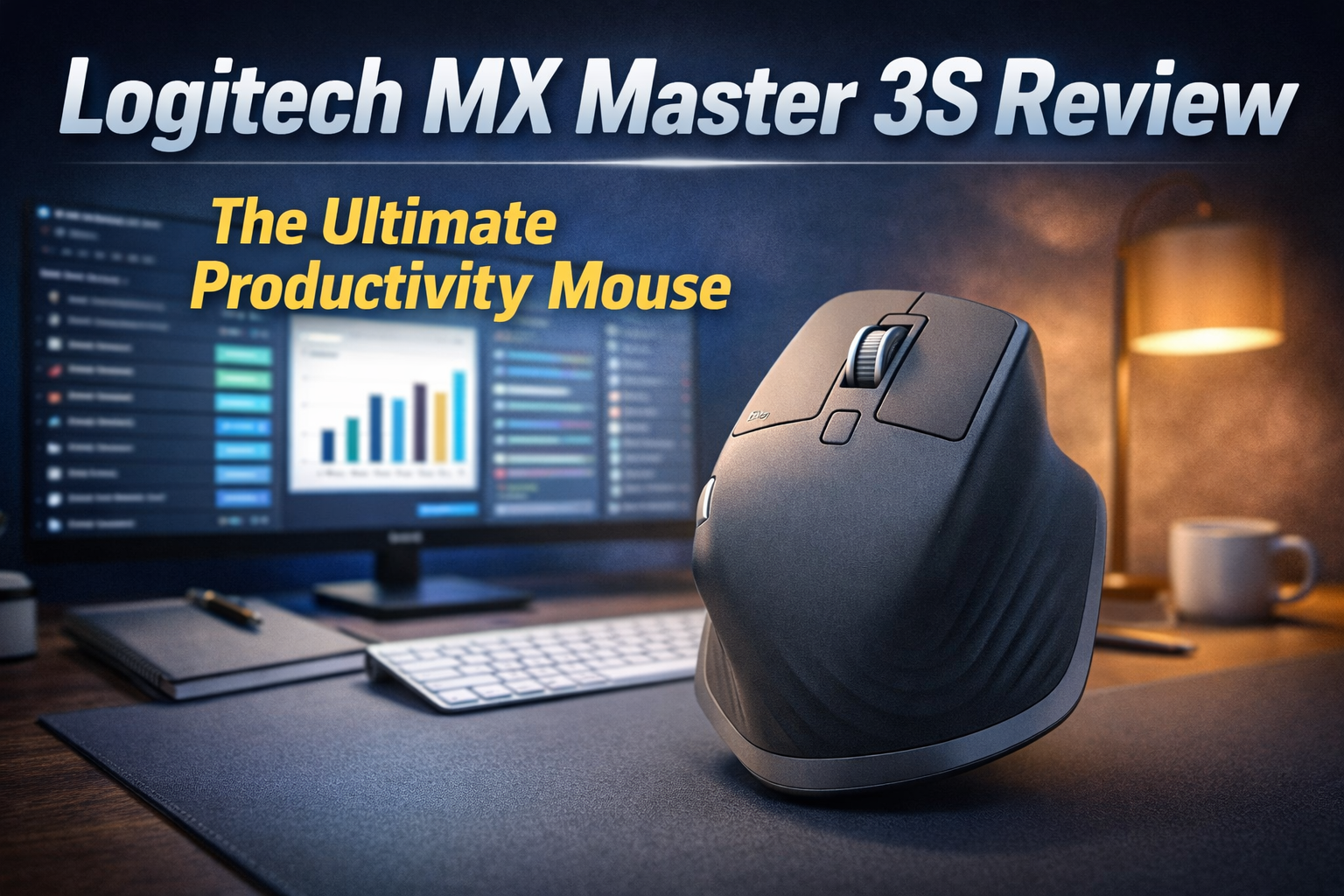
Logitech MX Master 3S.
The undisputed king of workspace productivity. We put the legendary ergonomic mouse to the ultimate test to see if it actually speeds up your daily workflow.
| Specification | Detail |
|---|---|
| Sensor Technology | 8000 DPI Darkfield (Tracks on Glass) |
| Scroll Wheel | MagSpeed Electromagnetic (1,000 lines/second) |
| Battery Life | Up to 70 Days (USB-C Fast Charging) |
| Connectivity | Logi Bolt USB Receiver + Bluetooth (3 Devices) |
The Good
- ✓ The “Quiet Clicks” are a massive upgrade. You get 90% less click noise while maintaining a satisfying tactile feel, perfect for open offices or Zoom calls.
- ✓ Flawless ergonomics for right-handed users. Your hand rests in a natural, strain-free position all day.
- ✓ The MagSpeed scroll wheel feels like pure magic. Infinite scrolling through massive spreadsheets or long code blocks is incredibly addictive.
- ✓ Logi Options+ software allows you to map specific buttons to different shortcuts for Chrome, Excel, Premiere Pro, etc.
The Bad
- ✗ There is no left-handed version available, completely alienating a portion of the market.
- ✗ At 141 grams, it is quite heavy. It’s built for precision and productivity, not fast-twitch competitive FPS gaming.
- ✗ Premium pricing makes it an expensive investment for just a mouse.
The MagSpeed Electromagnetic Wheel
If you have never used a MagSpeed wheel, it will ruin every other mouse for you. Machined from solid steel, it uses electromagnets to control the scroll resistance. You can scroll line-by-line with standard tactile ratcheting.
But flick the wheel hard, and the magnets disengage, allowing the heavy steel wheel to spin freely. You can scroll through 1,000 lines of code or a massive Excel sheet in a single second in complete silence. It stops exactly when you put your finger back down.
Quiet Clicks & 8K DPI Sensor
The biggest upgrade over the previous generation is the switches. Logitech engineered “Quiet Clicks” that eliminate 90% of the sharp clicking sound, yet they still feel crisp and mechanical. If you work late at night or spend hours on calls, this is a lifesaver.
Underneath, the upgraded 8000 DPI Darkfield sensor is a beast. It tracking flawlessly on literally any surface—including transparent glass tables without a mousepad. It’s perfect for minimal desk setups or working on the go.
Logi Flow & App Customization
The MX Master 3S isn’t just hardware; the Logi Options+ software is where the real productivity happens. You can customize the thumb wheel and gesture button per application. For example, the thumb wheel can switch tabs in Chrome, zoom in Photoshop, and scroll horizontally in Excel.
Furthermore, “Logi Flow” allows you to seamlessly drag your cursor off the edge of your Windows PC screen directly onto your Mac screen alongside it, even letting you copy and paste text and files between the two entirely different operating systems.
Final Verdict
The Logitech MX Master 3S remains the ultimate peripheral for working professionals. The combination of the silent switches, the addictive MagSpeed scroll wheel, and an ergonomic design that fights wrist fatigue makes it a mandatory upgrade for anyone who takes their desk setup seriously. It is expensive, but it pays for itself in sheer productivity and comfort.